Near the control board.
A discreet installation concept for the HVAC equipment or air handler side of compatible control wiring.
 AirSensei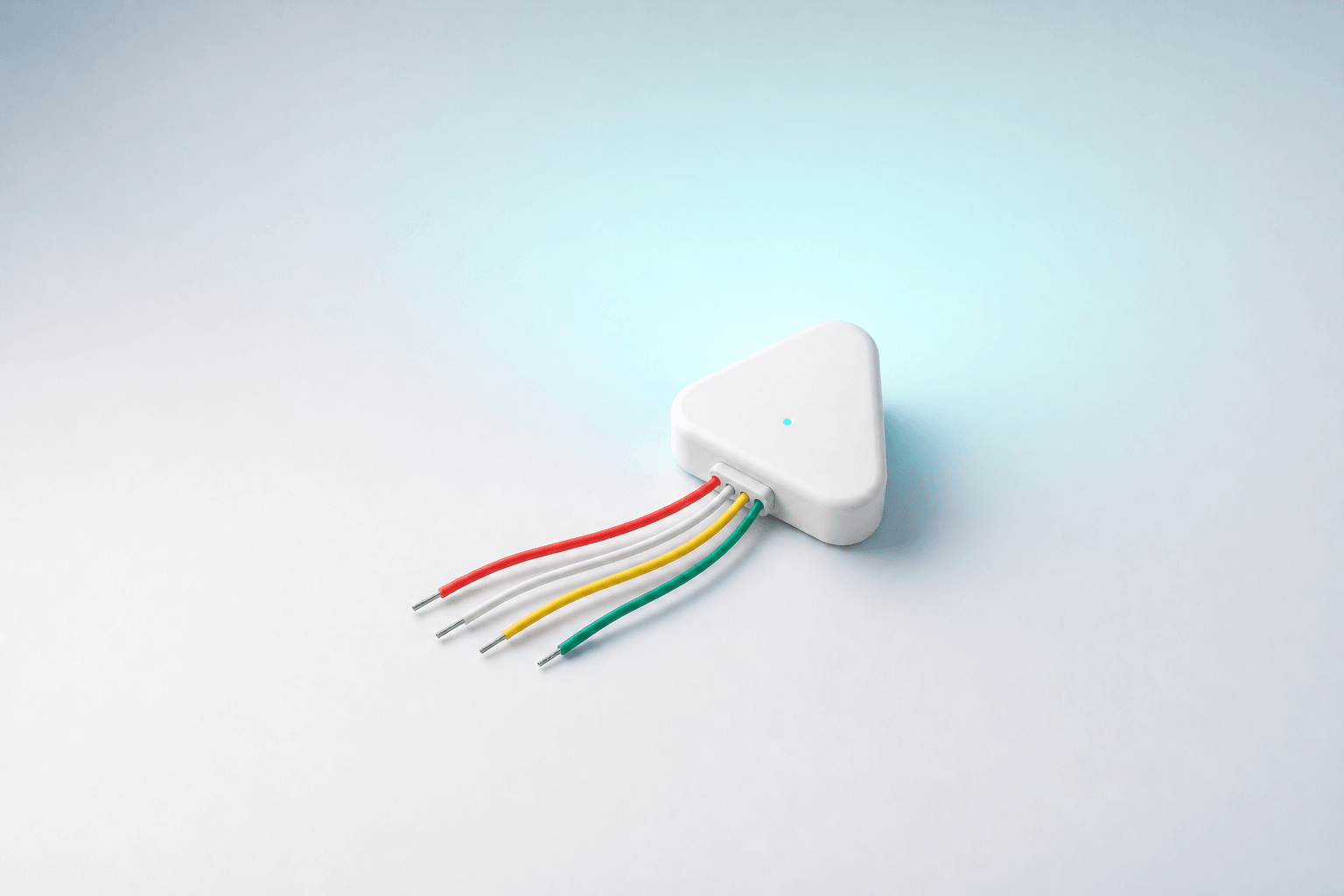
Air Sensei hardware · HVAC system awareness
A compact wired monitor designed to connect alongside compatible low-voltage thermostat wiring and report heating, cooling, and fan calls over Matter on Thread through Air Hub.
Final wiring, power, compatibility, and installation requirements will be published before launch.
Concept shown. The four leads are illustrative, not a wiring diagram.
See the system behind the room
Comfort makes more sense when room conditions can be seen beside the system's demand state. HVAC Monitor is designed to add that missing layer without becoming another thermostat.
Read the request
Designed to observe compatible low-voltage thermostat control wiring, the monitor turns heating, cooling, and fan-circulation calls into simple connected states.
Reported states indicate thermostat control calls. They do not verify that the furnace, compressor, or blower started or is operating correctly.
Example: thermostat calling for cooling and fan
Designed for two locations
The concept is designed to connect alongside compatible thermostat control wiring—where the cable reaches the HVAC equipment or where it meets the thermostat.
A discreet installation concept for the HVAC equipment or air handler side of compatible control wiring.
An alternate concept for compatible thermostat-side wiring when the final electrical and clearance requirements allow it.
Conceptual locations only. Final supported systems, wiring, power, terminal mapping, clearances, and installation guidance are to be announced.
A local path for system context
Matter defines the connected state. Thread carries it locally. Air Hub provides the network path into the Air Sensei home.
The missing system layer
Environmental Sensor is designed to describe what a room feels like. HVAC Monitor adds when the thermostat is requesting conditioned air. Together, those signals can give future Air Sensei automations a clearer picture of cause and effect.
A small wired object
Designed to sit near the wiring, the compact enclosure keeps the monitor out of your everyday space. A status light provides a quick check, while connected call states appear in the Air Sensei system.
Product preview
Questions, answered
No. The product concept is a read-only monitor for compatible thermostat control calls. It is not intended to replace the thermostat, switch HVAC equipment, or override its safety controls.
No. A reported state indicates that the thermostat control circuit is calling for heating, cooling, or fan circulation. It does not prove that the furnace, compressor, or blower started or is operating correctly.
That is the design intent for compatible systems. Final supported HVAC types, wiring locations, terminal mapping, power method, clearances, and installer guidance will be published before launch.
HVAC Monitor is designed to expose call states through Matter over Thread. Air Hub provides the Thread network path so an authorized Matter controller and the Air Sensei system can reach that context.
The four-lead triangular enclosure is an industrial-design concept. It is not a wiring diagram, and the final harness, conductor colors, labels, and pinout have not been published.
Whole-system awareness
HVAC Monitor is in development. Explore how it connects room readings with heating and cooling calls.