01Placement
Start in an open, central spot.
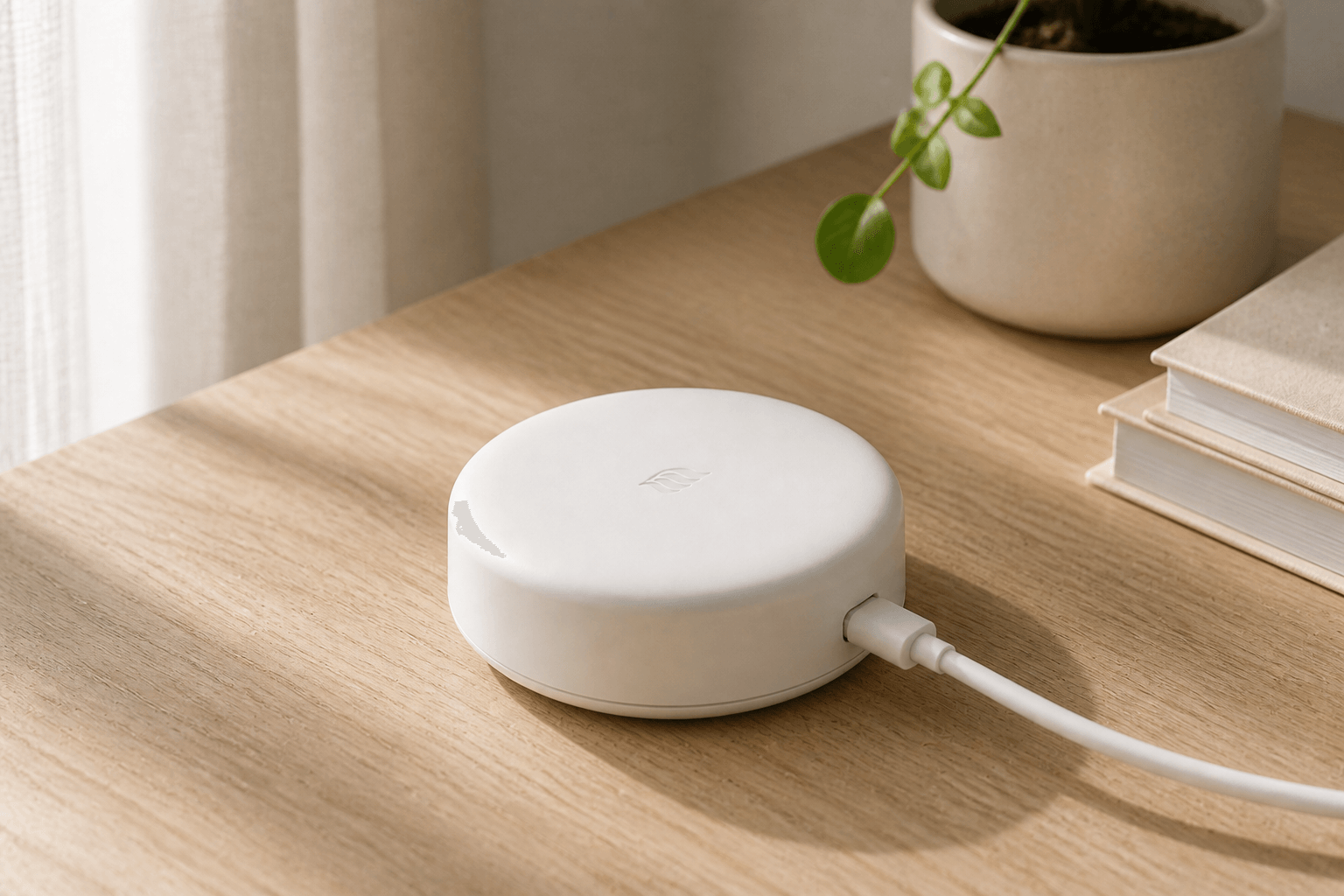
Place Air Hub on a shelf with power nearby and a dependable Wi-Fi connection. Avoid hiding it behind a TV or inside a metal cabinet.
 AirSensei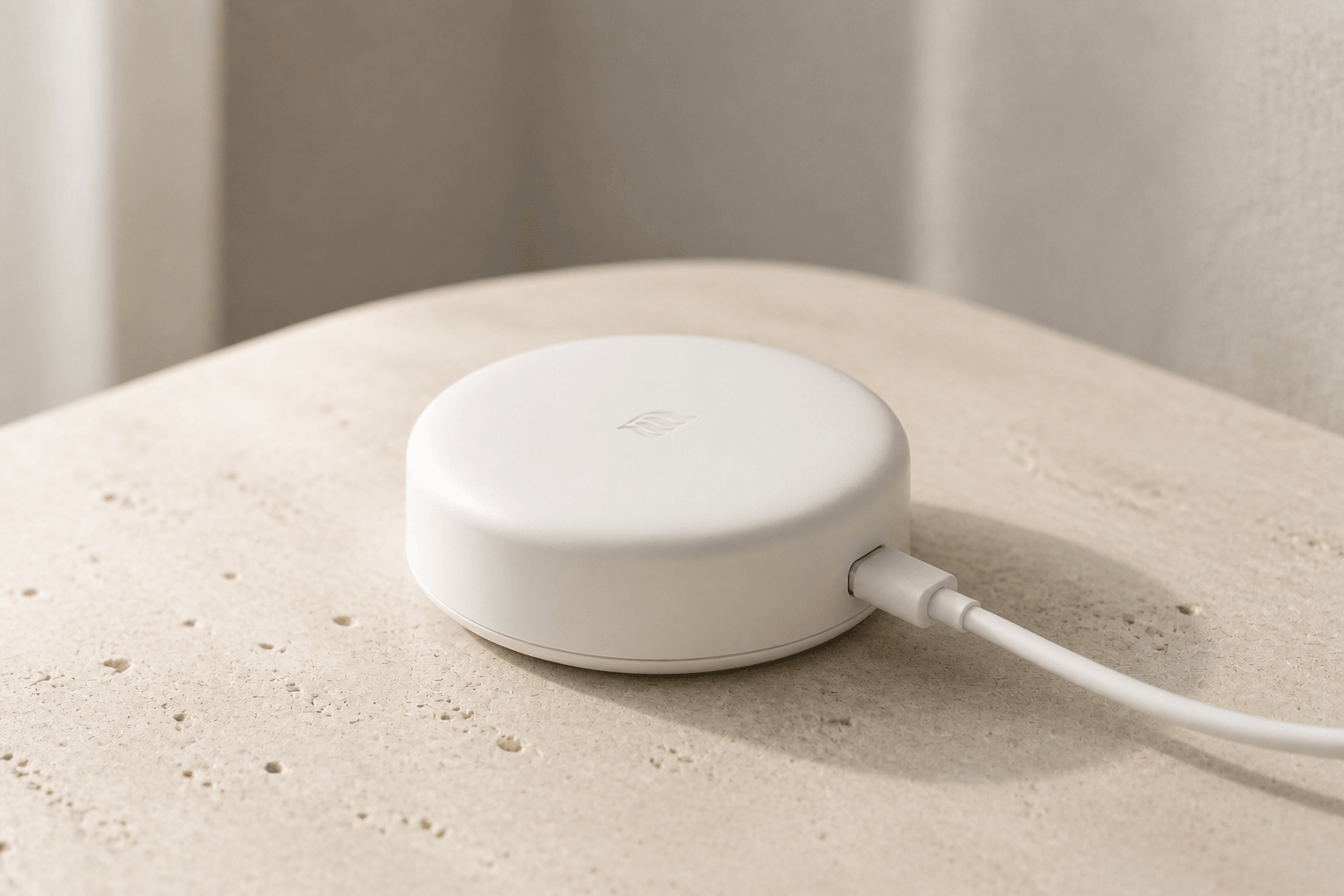
Air Sensei hardware · The Thread backbone
A Wi-Fi 6 Thread border router that connects compatible Air Sensei devices to your home network and gives the app a dependable path to every compatible room.
Checking current price and inventory.
Connected by design
The Hub does one foundational job: it gives compatible Thread devices a dependable route onto the home network while Matter keeps control and permission decisions where they belong.
A compact footprint lets the Hub sit close to where the home network already lives. Its Wi-Fi 6 uplink carries the Thread border-router path back to Air Sensei Home without turning network hardware into the room's focal point.
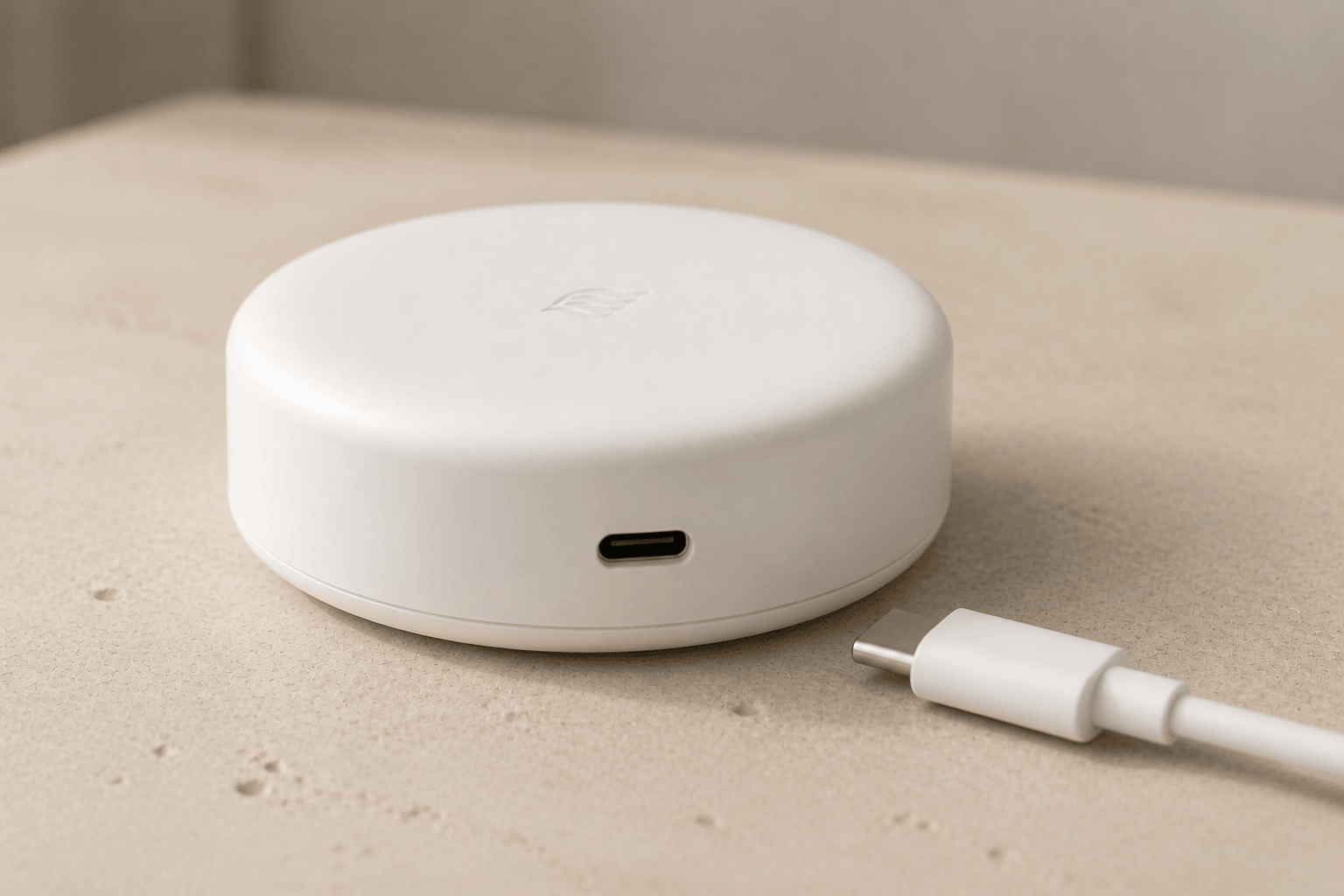
The enclosure keeps the physical connection simple. On the network, the role stays just as clear: route encrypted IPv6 traffic between Thread and the home network while Matter controllers manage devices, fabrics, and permissions.
Roles, compared clearly
Thread explains how local IP traffic travels. Matter explains who may control a compatible device and which capabilities it exposes.
| Role | Air Hub | Matter controller or app |
|---|---|---|
| Network job | Routes IPv6 traffic between a Thread mesh and the home IP network. | Commissions compatible Matter devices and sends authorized commands. |
| Device ownership | Provides a route. It does not own a device or translate its controls. | Maintains its own Matter fabric, permissions, and relationship with the device. |
| Expansion | Another Hub with the same Thread credentials can add another route. | Matter multi-admin can let a supported device join more than one fabric. |
| Compatibility | Thread transport alone does not guarantee that a feature is supported. | Available controls depend on device firmware, certification, and platform support. |
Compatibility is verified platform by platform. Thread connectivity alone is not a claim of Matter certification or complete feature support.
Set up once, designed to expand
The Hub is the network path, not the owner of a device. Matter commissioning determines which controllers can operate each compatible product.
Air Sensei Home guides Wi-Fi 6 setup and creates or joins the Thread network used by your compatible devices.
Add compatible Matter-over-Thread products to the Air Sensei fabric, or share devices that were already set up in another supported Matter ecosystem.
The planned multi-hub experience is intended to use the same Thread network credentials so another Hub can add a border-router path—not a separate island—for compatible devices.
Questions, answered
The practical details behind Thread routing, Matter control, compatibility, and adding another Hub.
Air Hub · Everyday use
A little planning makes setup easier, whether this is your first Thread device or part of an existing home.
Place Air Hub on a shelf with power nearby and a dependable Wi-Fi connection. Avoid hiding it behind a TV or inside a metal cabinet.
Have your Wi-Fi name, password, and device setup codes ready. Give rooms recognizable names so sensors and vents are easy to find later.
Adding another border router does not automatically join two Thread networks. Confirm shared network credentials and platform support before planning a multi-hub setup.