01Room notes
Start with the room that feels different.
Record when the room feels warmer or cooler than the rest of the home. Note the time, whether the door is open, and whether heating or cooling is running.
 AirSensei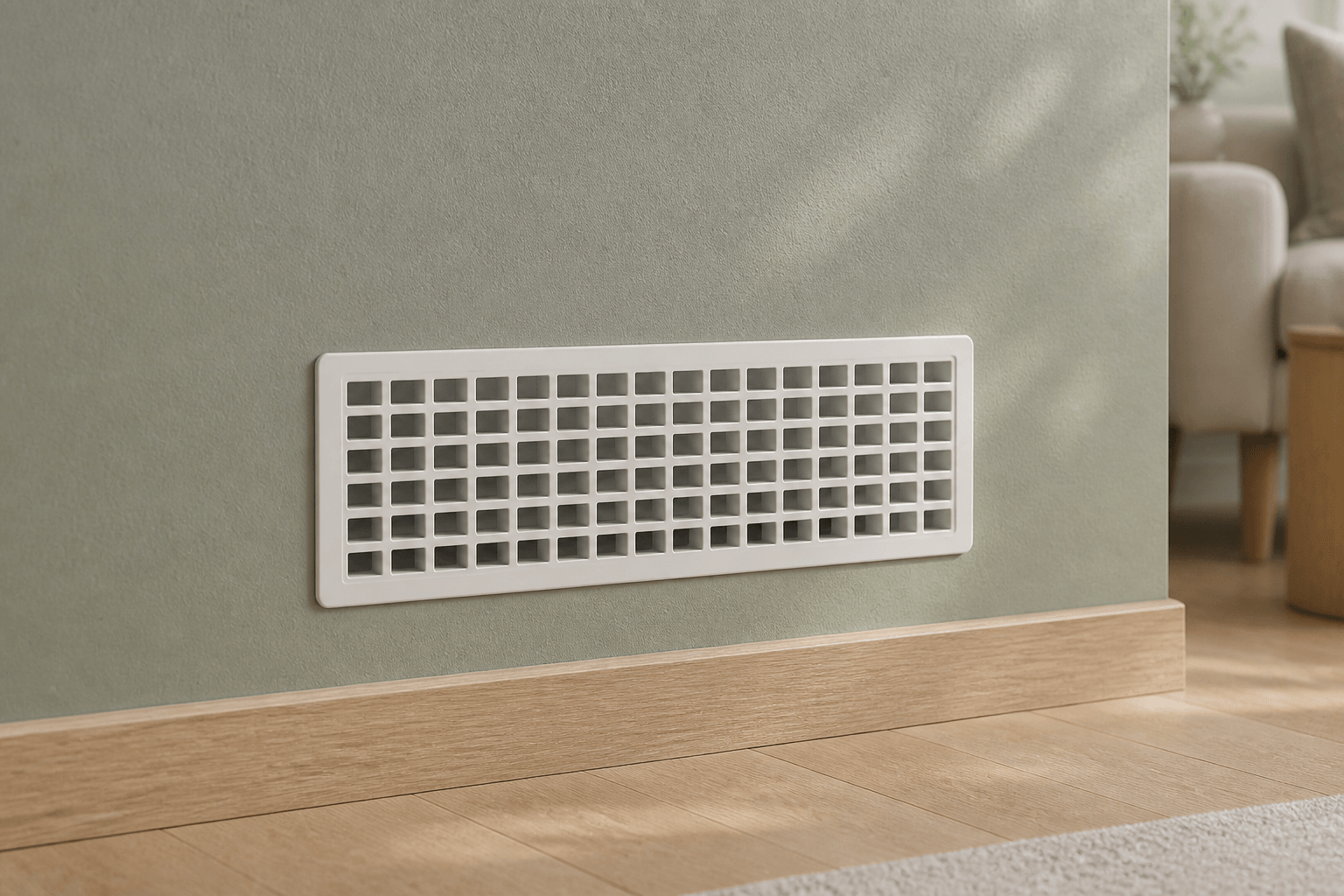
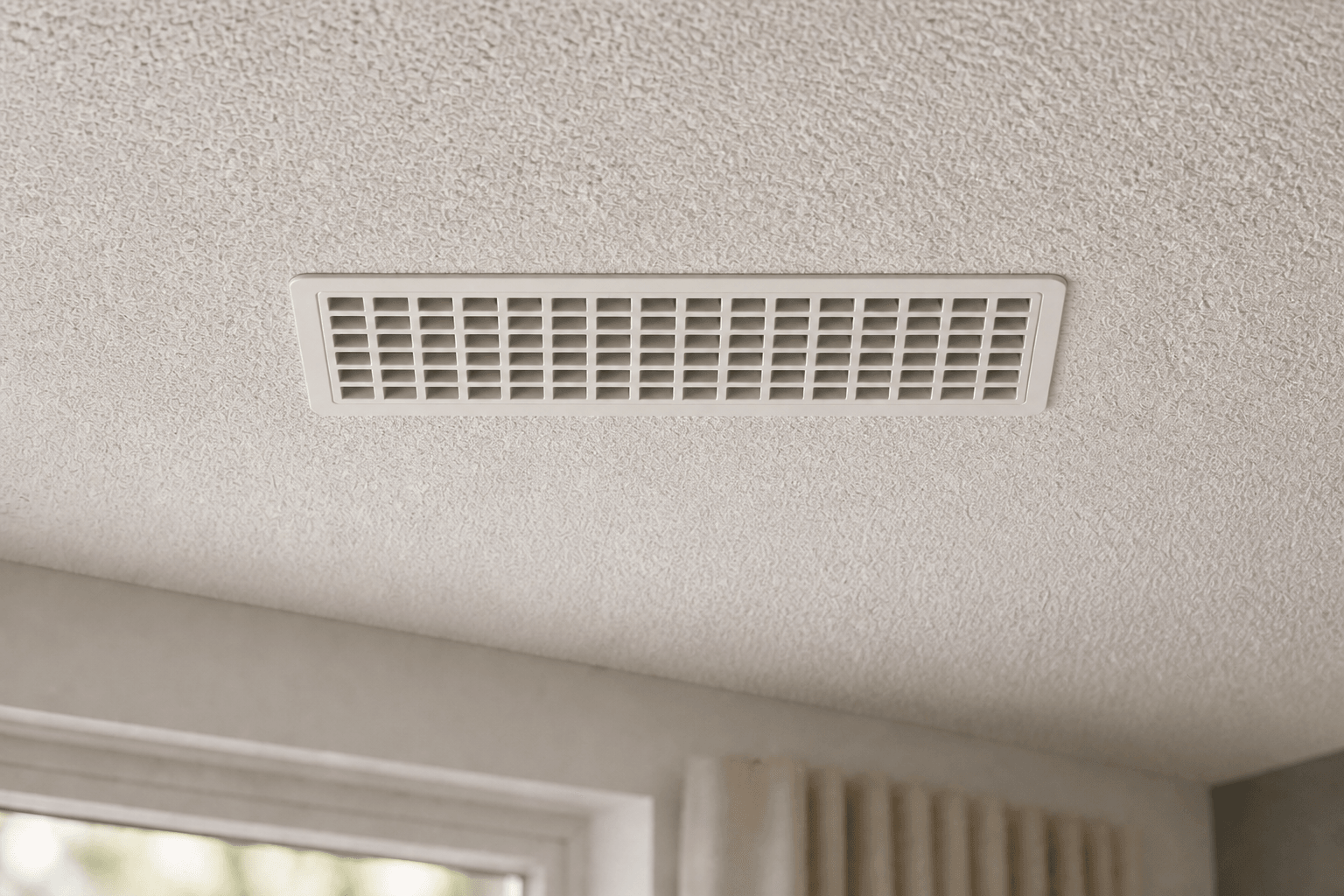
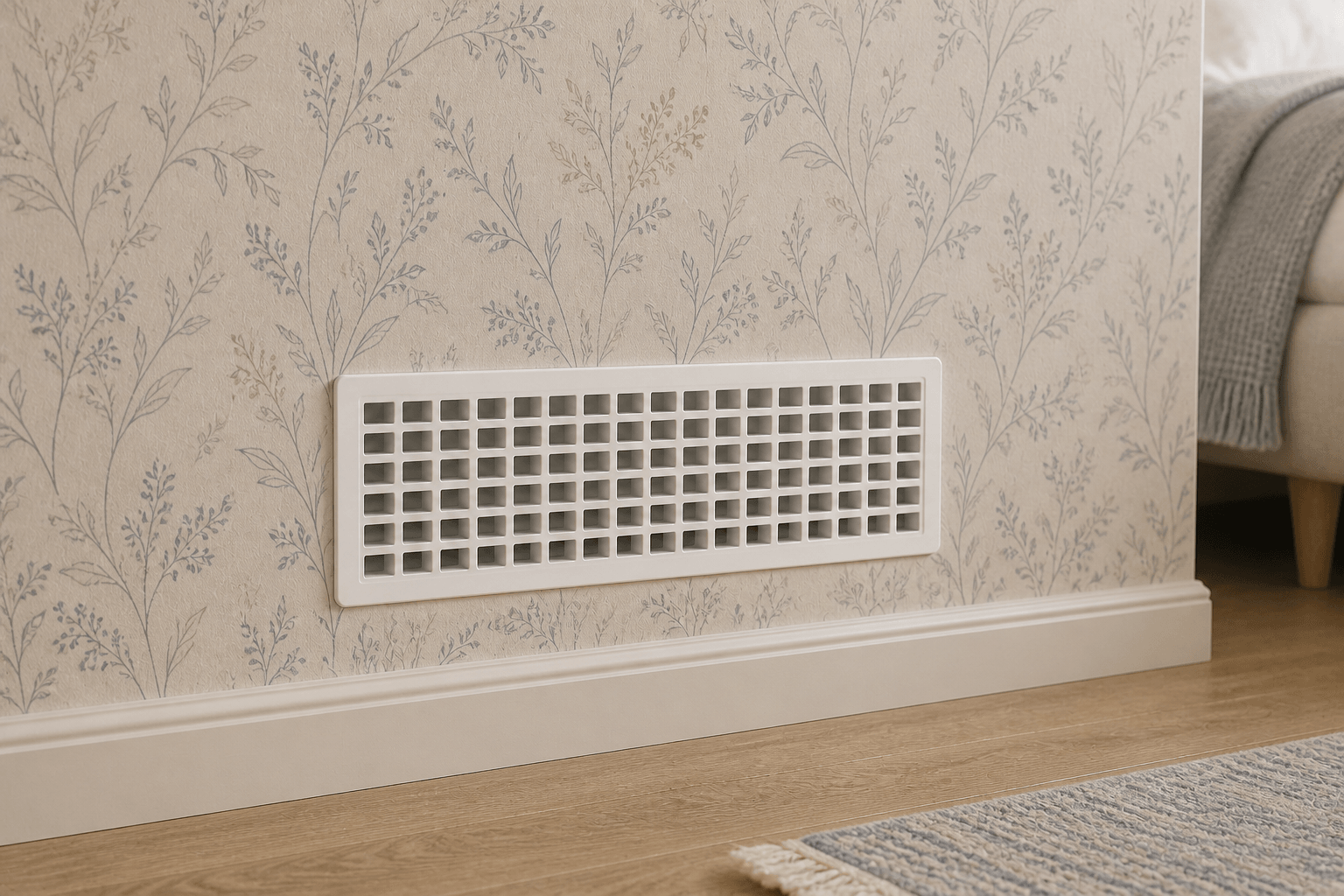
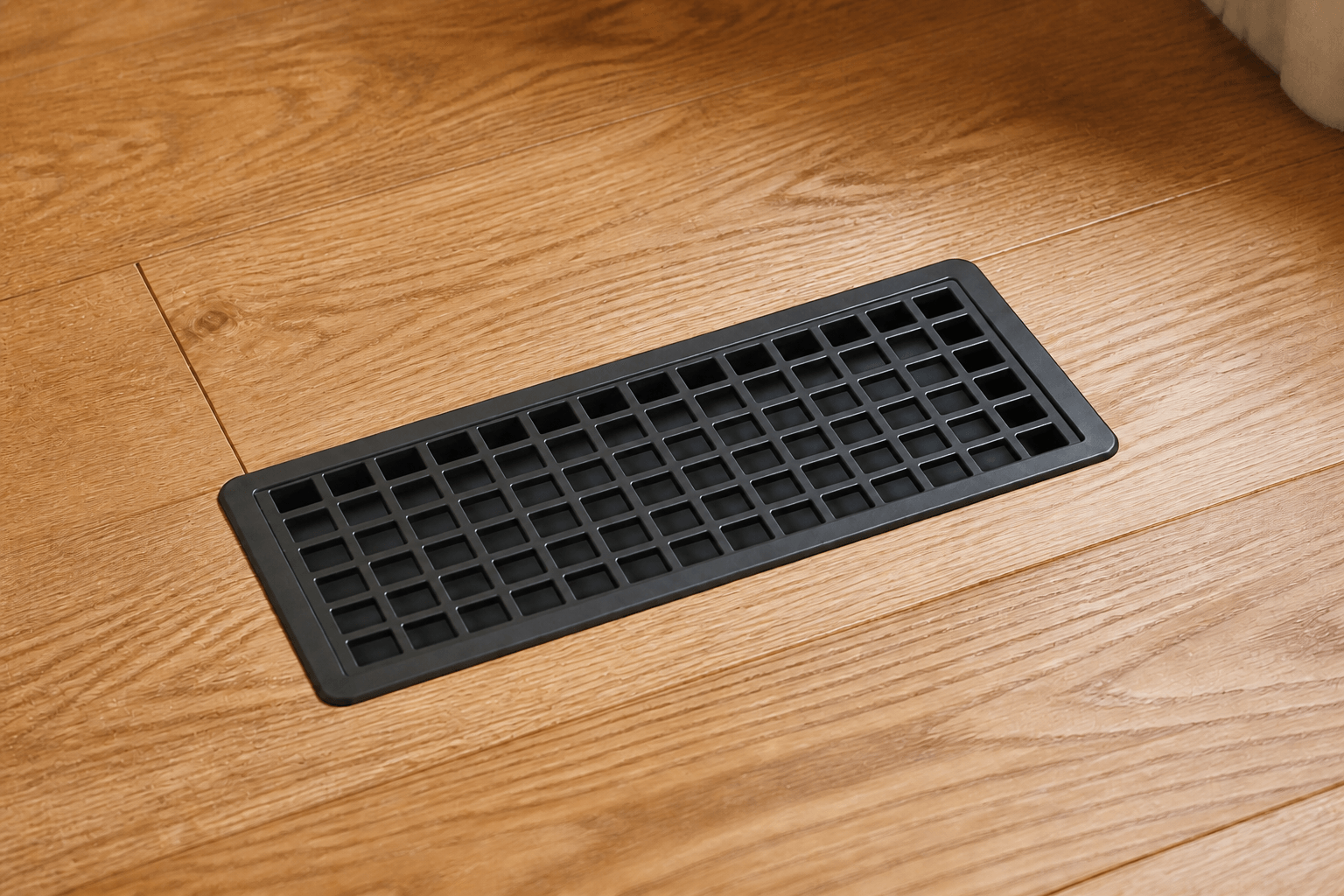
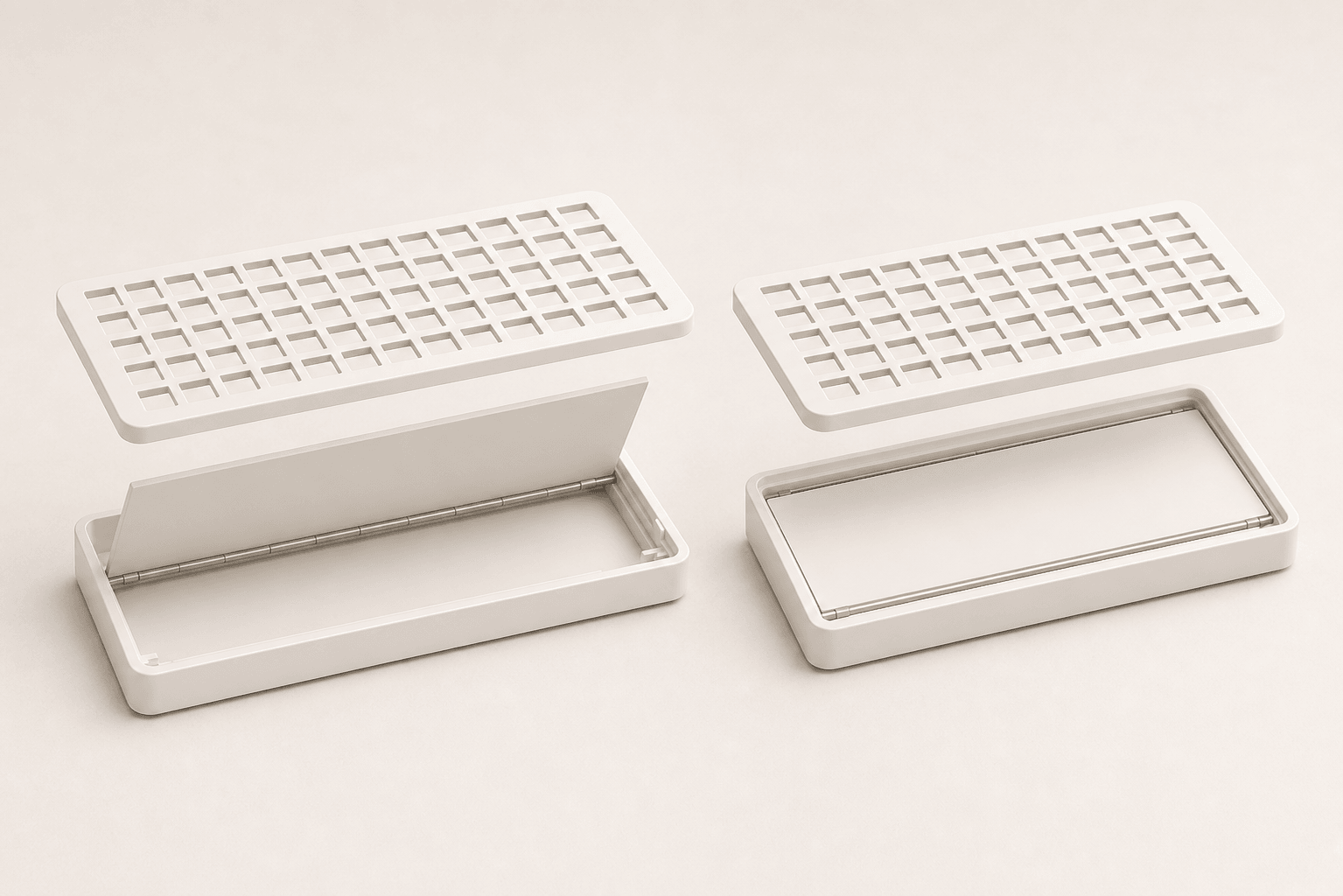
Product visualizations. The black floor installation is a placement example, not a selectable finish in this launch preview.
Air Sensei hardware · Responsive airflow
A connected vent cover designed to respond using temperature at the vent, room context, and the behavior you configure.
Explore a fit now. Final sizes, pricing, and availability will be confirmed before you can order.
Supply or return
The opening's airflow direction determines the role you preview. It is not a cosmetic choice and it should be confirmed before ordering.
| Compare | Supply | Return |
|---|---|---|
| Air path | Out of the duct and into the room | Out of the room and into the duct |
| What you notice | Air emerges from the opening while the system runs | Room air is drawn inward while the system runs |
| Preview choice | Select Supply | Select Return |
Check whether your opening supplies or returns air before choosing. Final compatibility will depend on the model and your HVAC system.
Measure the opening, not the cover
A vent cover can extend beyond the duct on every side. Removing it exposes the width and height your new vent needs to match.
Expose the full inside edge of the duct opening.
Record the shorter side first and the longer side second, rather than the outside dimensions of the old grille or flange.
Select the paired US-inch or European-metric opening size without rounding one system into the other.
A more useful control loop
Smart Vent H1 is designed to combine local airflow temperature with room context, then open or close according to the behavior configured in Air Sensei Home.
Final sensing, connectivity, compatibility, certification, and automation specifications will be confirmed before launch.
Explore Air Sensei Home →Questions, answered
How to measure your opening, choose an airflow role, and prepare for Smart Vent H1.
Smart Vent H1 · Everyday use
Before choosing a Smart Vent H1, record the opening, the airflow direction, and what you want to understand about the space.
Record when the room feels warmer or cooler than the rest of the home. Note the time, whether the door is open, and whether heating or cooling is running.
Record the clear duct width and height, then take a photo of the opening and surrounding trim. The visible grille usually extends beyond the duct.
Keep your HVAC model and the supply or return location with your measurements. Final compatibility and installation guidance will be available before ordering opens.